
 Dogs
Dogs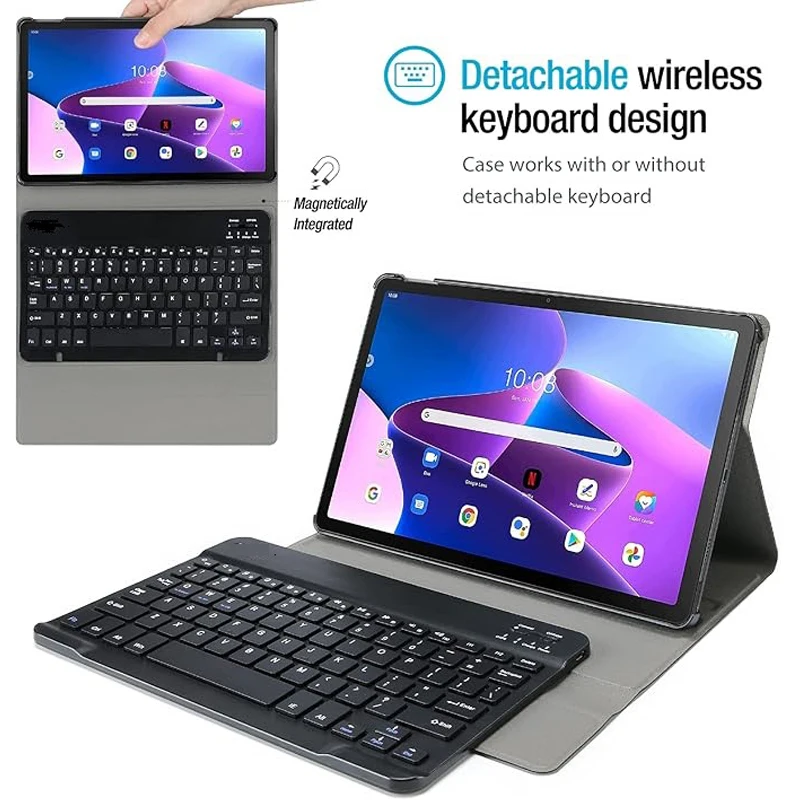 Electronics
 Men's Clothing
 Shoes
Shoes Women's Clothing
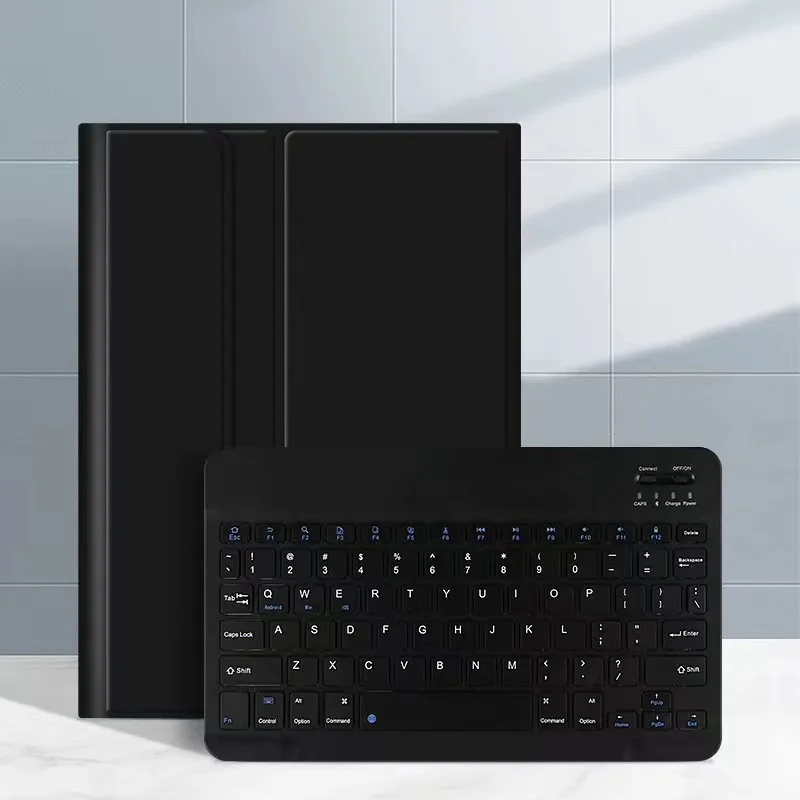

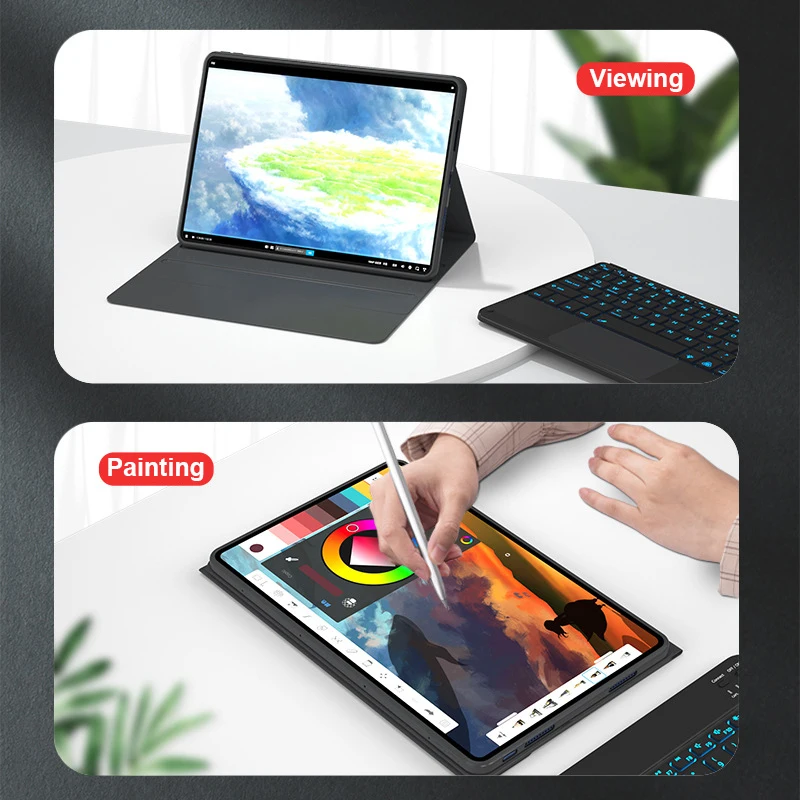
For Lenovo Tab Keyboard Case, Keyboard Cover for Lenovo Tab P11 P12 Pro M10 PLus , For Xiaoxin Pad 11 11.5 10.6 case
Price range: $21.83 through $44.25
For Lenovo Tab Keyboard Case, Keyboard Cover for Lenovo Tab P11 P12 Pro M10 PLus , For Xiaoxin Pad 11 11.5 10.6 case at Aliexpress for . Find more 322, 201531001 and products. Enjoy ✓Free Shipping Worldwide! ✓Limited Time Sale ✓Easy Return.
Description
Please confirm your machine model before purchasing~
English keyboard:There are only English letters on the keyboard.
Note:The digital tablet and stylus are not included in the package. The detailed description is for reference only. Please refer to the actual product for the color of the product.
 Office learning business fashion
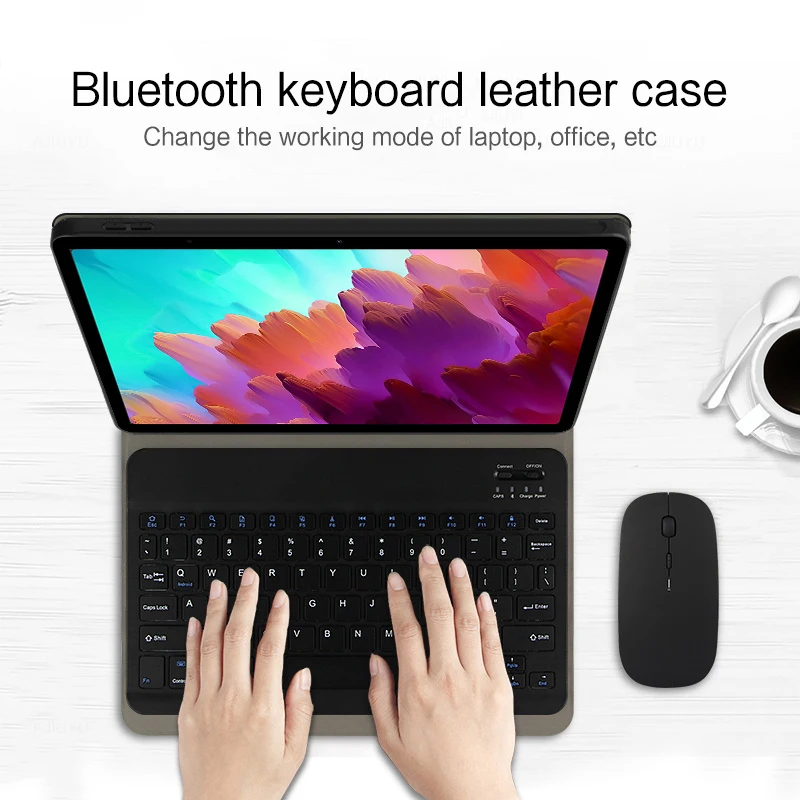
Comfortable solution to your office, study and entertainment needs. Bluetooth keyboard leather case
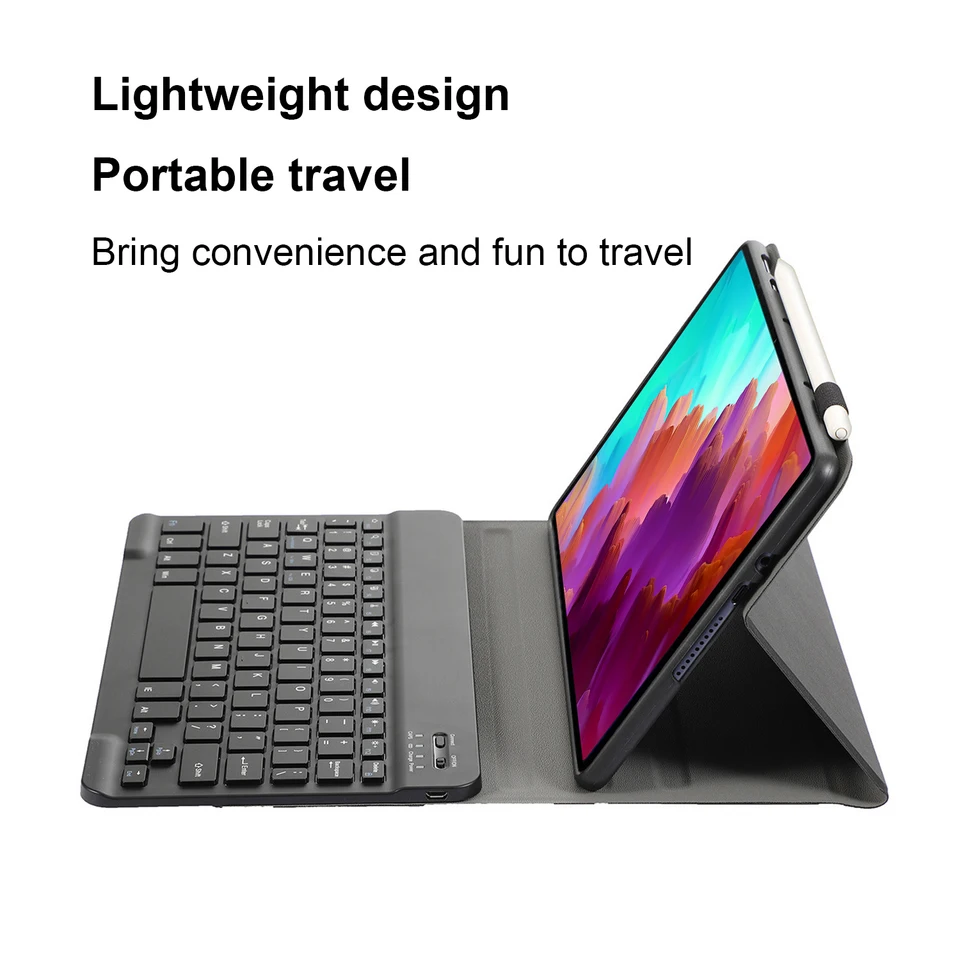
Change the working mode of laptop, office, etc Lightweight design
Portable travel
Bring convenience and fun to travel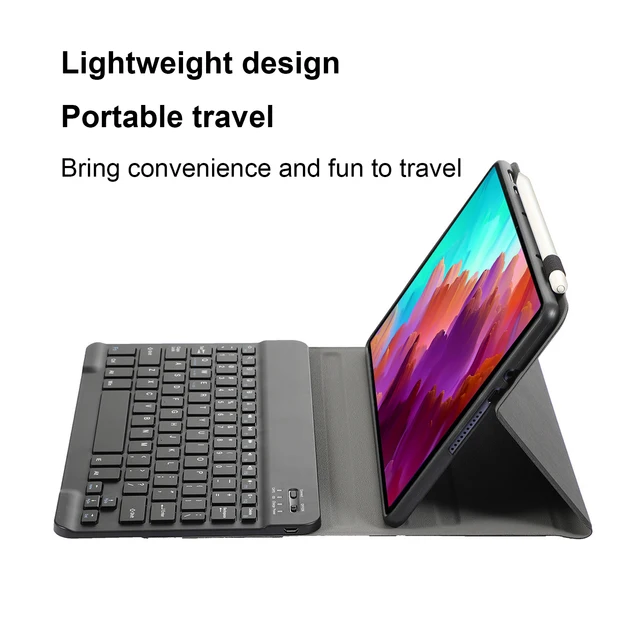
 Datachable keyboard
Can be used alone Bluetooth direct connection
Tablet becomes notebook
The delay-free keyboard connects to any Bluetooth device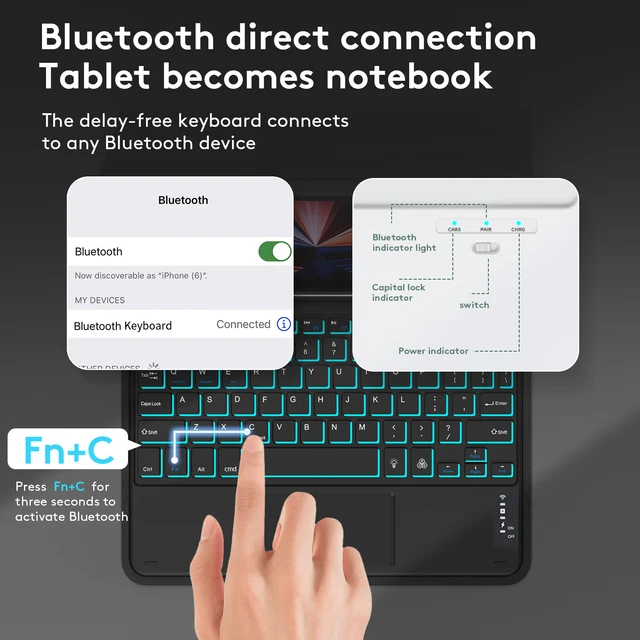 How to connect keyboard & Mouse?
1,Connect the mouse first, then connect the keyboard.
2,Mouse:Push the switch to the “Bluetooth” icon, find the Bluetooth connection with “Mouse” in the device Bluetooth list.
3,Normal Keyboard:Push the switch in the upper right corner to “ON”, press “Connect”, and find the Bluetooth connection with “Keyboard” in the device Bluetooth list.
4,Touchpad Keyboard:turn on keyboard ,press Fn+C to,then find the Bluetooth connection with “Keyboard” in the device Bluetooth list.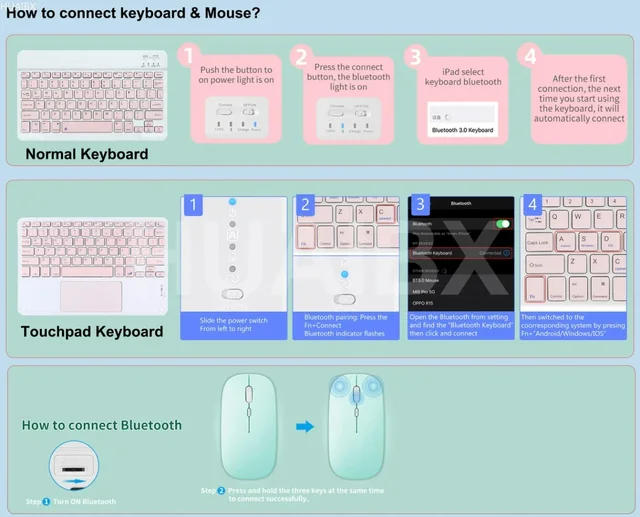 FAQ
FAQ
Q:What should I pay attention to when connecting the mouse for the first time?
A:When the mouse is connected for the first time, you need to press the left button, the right button and the scroll wheel at the same time for about 3-5 seconds.
Q: Is the scroll direction of the mouse USB connector and Bluetooth connection the same?
A: No, they are different. When using the USB connector, the scroll wheel slides in the same direction as the computer mouse. Bluetooth connection is the opposite.
Q: How to switch between different systems?
A: Fn+Q=Android, Fn+W=Windows, Fn+E=IOS.
Please note that please switch the system before connecting the tablet.
Q:The bluetooth keyboard letters are messy?
A: Please check the settings according to the prompts,
a. Check whether the keyboard language set on the device is English.
b. Disconnect the keyboard Bluetooth, click Ignore the connected device, reopen the Bluetooth keyboard, select system, Fn+E (IOS system).
Note: Fn+Q=Android, Fn+W=Windows, Fn+E=IOS
c. Press the L S Z buttons at the same time to reset the keyboard
Q:How to configure the input method for different languages keyboard?
A:Take the samsung tablet as example,open “Settings–“ystem”–“Language & input”–“Add New Keyboard”. (For other systems, please set them in the system settings according to the tips of the iPad example.)
Q:How does the mouse change teh scroll wheel sliding direction on the device?
A: The mouse is connected, open “General” – “Trackpad & Mouse” – close “Natural Scrolling”.
Additional information
| Color | Black A, Black B, Black A Backlit, Black B Backlit, Black C, Black D, Black C Backlit, Black D Backlit |
|---|---|
| Size | P11 2nd Gen 11.5inch, P11 Pro 2nd Gen 11.2, M10 Plus 3rd 10.6 in, Tab P11 Pro 11.5inch, Tab P11 11 inch, Tab P11 Plus 11 inch, M10 FHD Plus 10.3 in, Xiaoxin Pad 2024 11, Y700 2023 8.8 inch, Tab P12 Pro 12.6inch, Tab P12 12.7 inch |
Related products
-
For Lenovo Ideapad Flex 5-15ALC05 5-15ARE05 5-15IIL05 5-15ITL05 New US Keyboard Laptop Palmrest Upper Top Case LCD cover
Price range: $72.22 through $76.29Select options This product has multiple variants. The options may be chosen on the product page Quick View Compare -
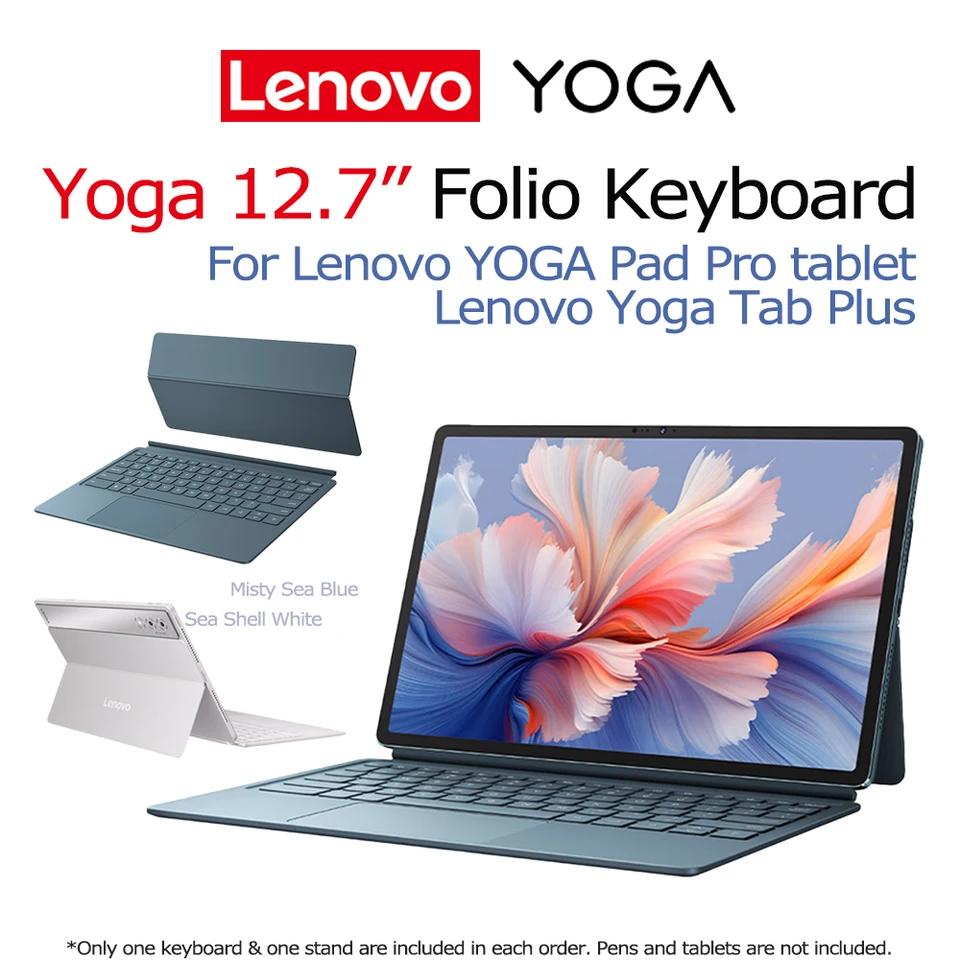
Original Lenovo 12.7” Yoga Tab Plus Keyboard for TB520 YOGA Pad Pro Tablet Back Shell Multi-angle 12.7-inch Magnetic Adjustable
Original price was: $151.81.$129.04Current price is: $129.04.Select options This product has multiple variants. The options may be chosen on the product page Quick View Compare -
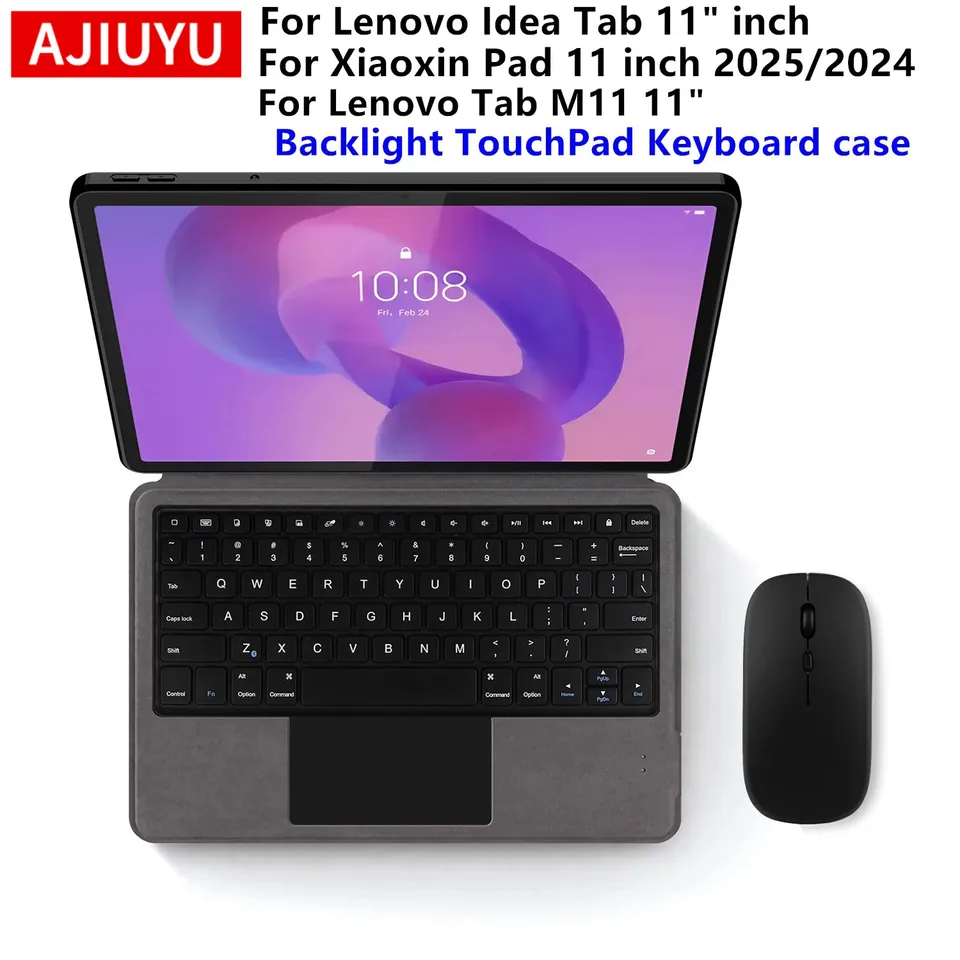
Magic Keyboard Case for Lenovo Idea Tab 11 TB336ZU/FU Xiaoxin Pad 11 2024 2025 Case Tab M11 11 inch Tablet Keyboard Cover Folio
Price range: $38.73 through $46.46Select options This product has multiple variants. The options may be chosen on the product page Quick View Compare -
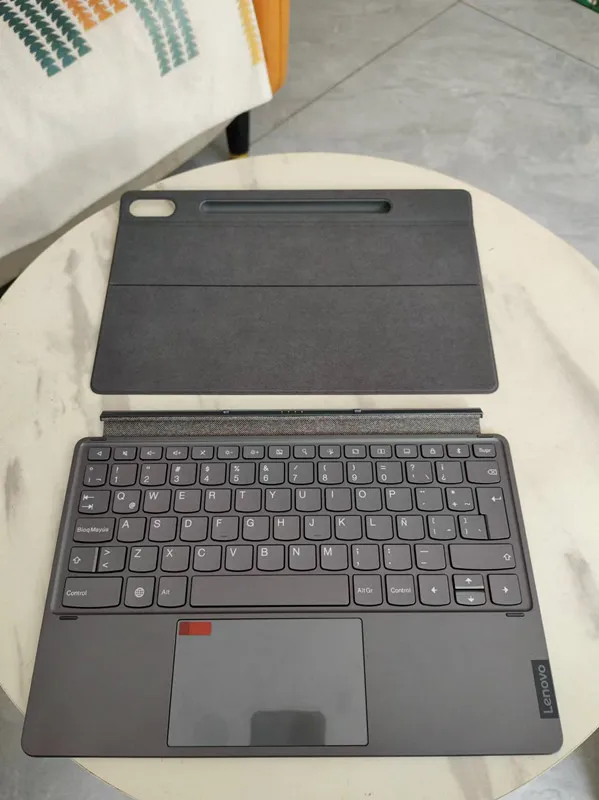
New Base Keyboard for Lenovo Tab P12 Pro TB-Q706F 2in1 Laptop KB-704-1 Spanish Keyboard LAS and Stand Cover
Original price was: $122.52.$116.39Current price is: $116.39.Select options This product has multiple variants. The options may be chosen on the product page Quick View Compare

Select at least 2 products
to compare